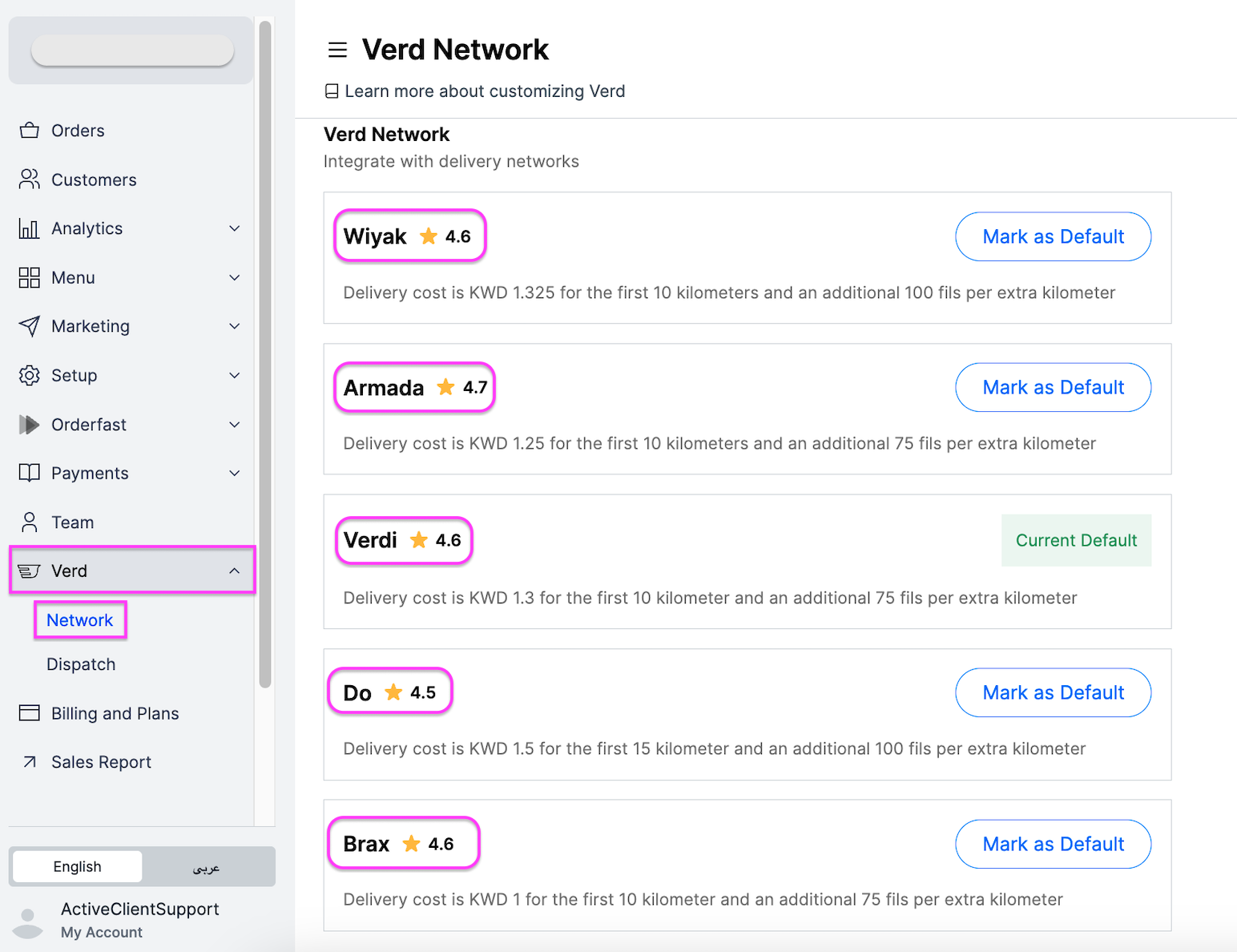
Customers rate their delivery over WhatsApp, and the ratings appear on your dashboard next to your orders, drivers and couriers.
How customers rate a delivery
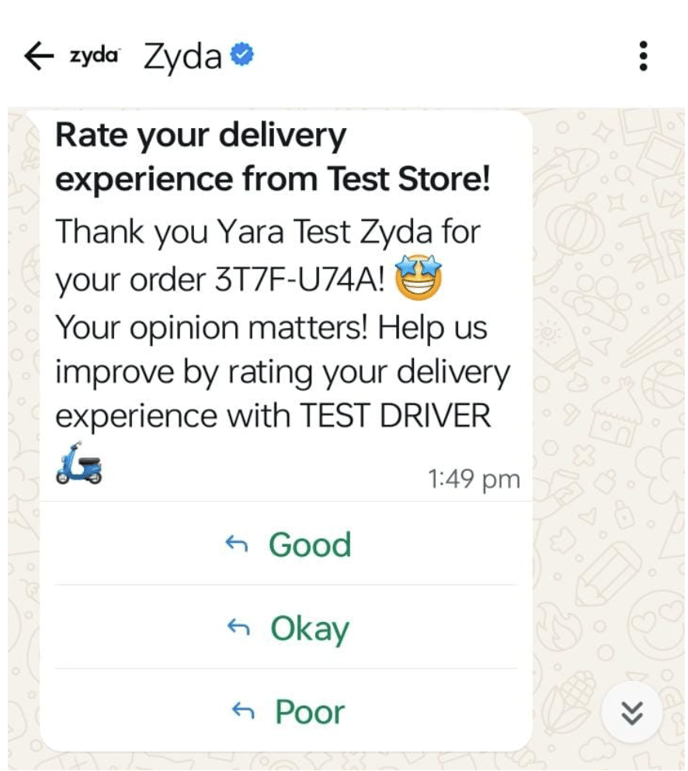
Once the order is marked as delivered by the operator, the driver or the courier, your customer receives a WhatsApp message asking them to rate the overall delivery experience: Good, Okay or Bad. Once the customer submits the rating, a second message thanks them for the feedback.
Where ratings appear
The rating sits on the order card, next to the order's basic information.

An order with no rating shows a question mark. Click it and it reads "Delivery ratings are available with orders that used VERD".

The rating also sits next to the driver's name in the assign window. It is the sum of the scores divided by the number of reviews. For example, two reviews scoring 5 and 3 add up to 8, divided by 2 reviews, which gives 4.0.
You can also view courier ratings, to find your best performing delivery partners and set them as your default choice.