Assign your orders to delivery companies from your Zyda dashboard, without a separate integration for each one.
How Verd Network works
Verd Network is a bridge between your online store and the delivery companies. It connects you to couriers such as Verdi, Wiyak, Armada, Do Deliver and Brax. From one dashboard on Zyda you send orders, track deliveries, and see how each connected courier performs.
What you get
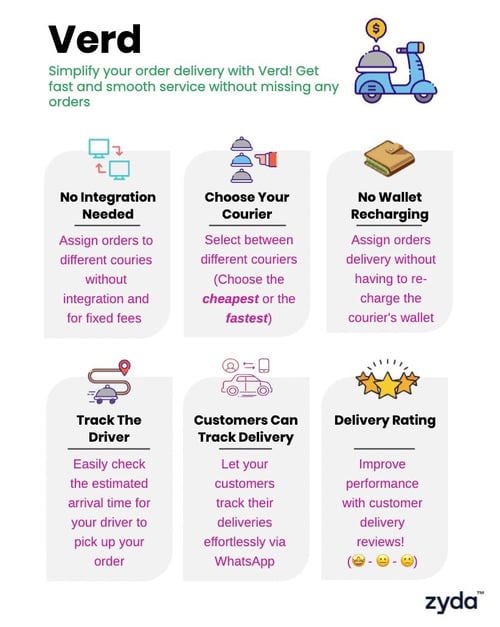
- One dashboard for the delivery orders of every connected courier. You do not sign in to separate systems.
- No wallet to recharge before you assign a courier.
- No separate technical integration with each courier, which saves time, effort and cost.
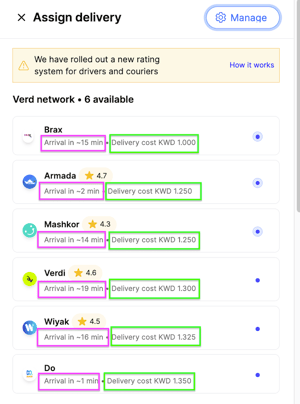
- A choice of courier on every order, by cheapest rate or by fastest pickup and delivery time.
- Real-time order tracking in Zyda's dashboard, for you and for your customers.
- WhatsApp messages that ask customers for feedback, and courier performance you can compare in one dashboard.
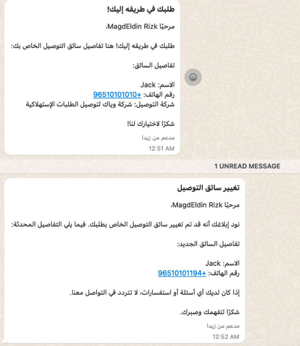
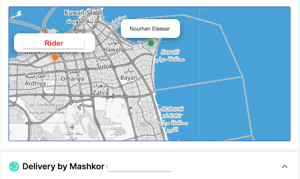
With Mashkor and Verdi on Verd Network, you can track your rider on the map inside the order.
Steps
-
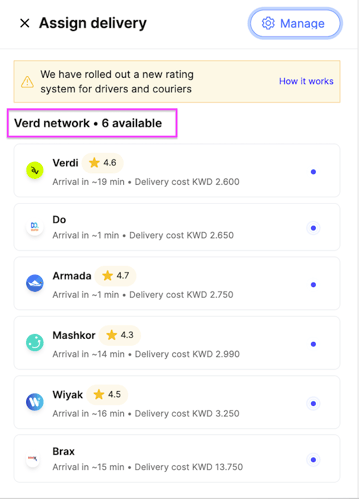
Accept the order. The assign pop-up opens and shows the Verd Network couriers you can choose from.
-
Pick a courier, then click Assign Now. Each courier shows what it will charge you and how long it will take to pick the order up, so you can choose the cheapest or the fastest.
-
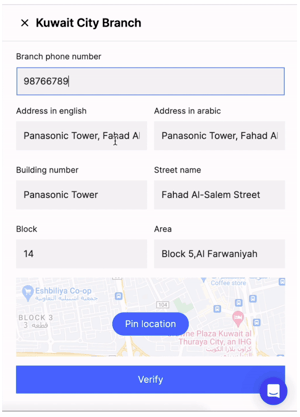
Confirm your branch address. The first time you assign delivery to a Verd Network courier, a Verify Branch Info pop-up appears. Confirm the location and the address on your dashboard so couriers reach your store to pick the order up. This step is mandatory.

Settings
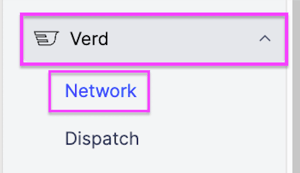
Go to Verd, then Verd Network, to set up and manage your Verd Network options.
Auto assign to delivery partner
Assign any order automatically as soon as you accept it. Choose one of three options per branch: Assign to Fastest, Assign to Cheapest or Assign to Default. You can apply one setting to all branches, or set one branch on its own.
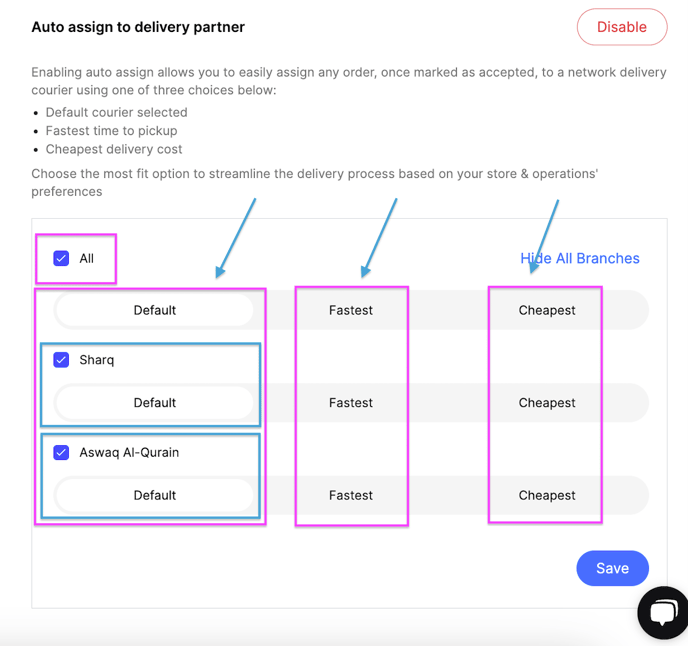
Turn on auto assign and choose Default, and you must also pick a default courier. Orders then go to that courier when you accept them.
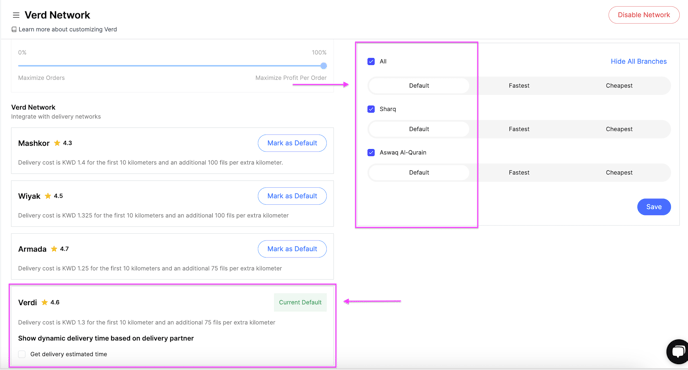
Get delivery fee automatically from courier
This shows the customer the delivery fee on your website, based on the default courier you picked. You also choose the share of that fee the customer pays.
- At 0%, you pay the whole delivery cost and the customer pays nothing.
- At 100%, the customer pays the whole delivery cost.
- A share in between splits the cost between you and the customer.
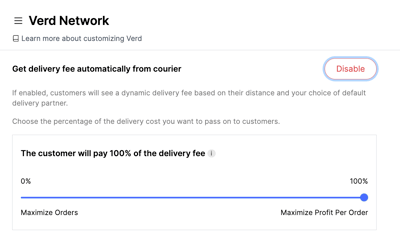
Turn this on and you must also pick a default courier, because your website shows that courier's delivery fees.
Charges
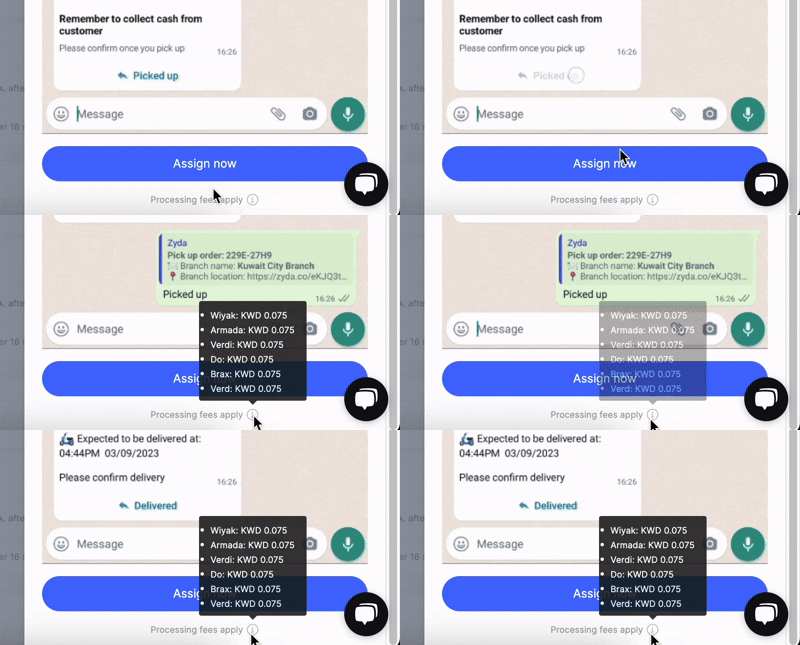
Verd Network fees depend on your store's plan. Kuwait stores pay 75 fils per order on Growth plans and 100 fils per order on Standard plans.
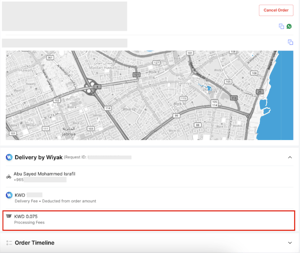
The fee appears at the bottom of the order card, under the Assign Now button after you click Assign Delivery, and on the order card once the order is marked as delivered.
Fees come out of the order amount itself. You are charged once the courier marks the delivery as dispatched, which is when the courier has picked the order up from you.