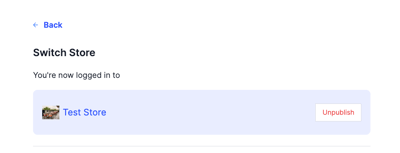
Make your website live so customers can order, or close it to new orders.
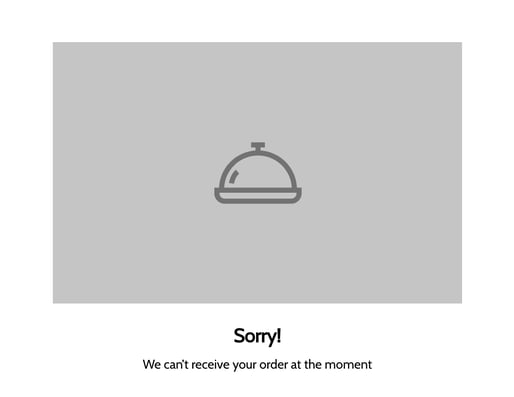
Publishing your website makes it live and customers can order normally. Unpublishing closes the website to new orders, and customers see this message: "Sorry! We can't receive your order at the moment".
To stop orders for a short time, use Busy Mode instead of unpublishing. Busy Mode keeps your website visible and stops new orders for a set time.
Steps
-
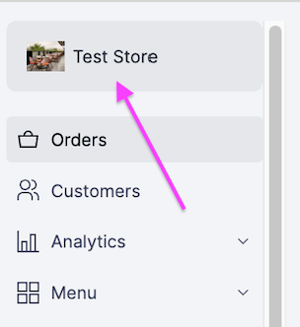
Click the store name.
-
Click Publish to open the website, or Unpublish to close it.