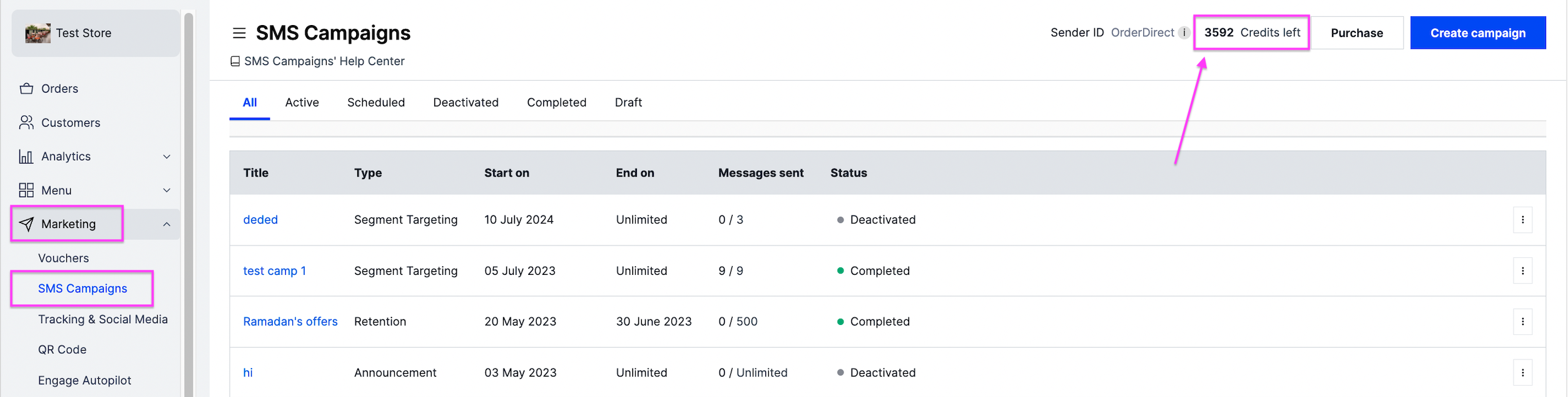
Buy the credits you need to launch an SMS campaign, and check your credit balance. Owners and managers can do this.
Steps
-
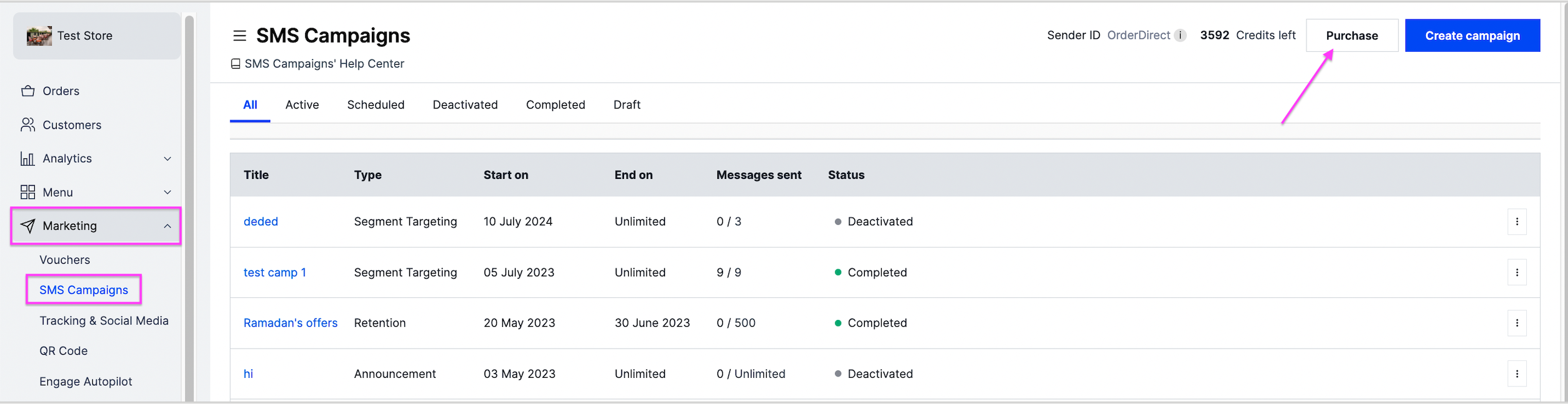
Go to Marketing and then SMS Campaigns.
-
At the top right, click Purchase.
-
Select the package you want and pay for it.
-
Your credits appear at the top right of the dashboard, next to Purchase.