Print the receipts for several orders at once. Owners, managers and operators can do this.
Steps
-
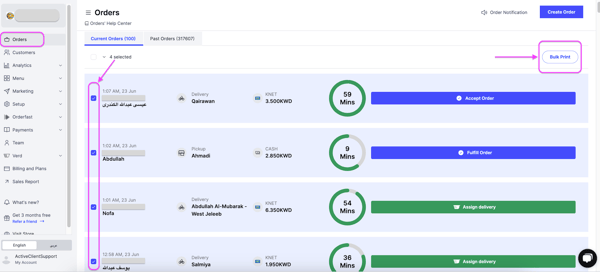
Go to Orders.
-
Select the orders you want to print by checking the boxes next to them.
-
Click Bulk Print at the top right of the page.
-
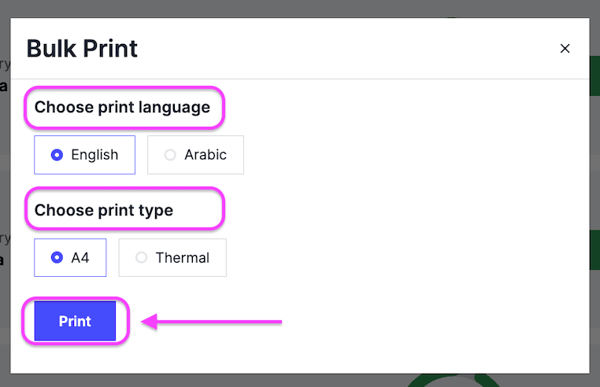
Choose your print settings, then click Print.
- Print Language — English or Arabic.
- Print Type — A4 or thermal.