Update the status of several orders at once. Owners, managers and operators can do this.
Steps
-
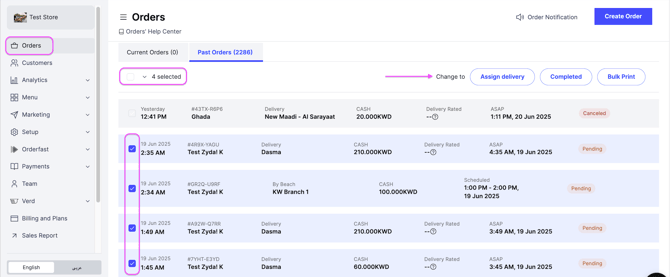
Go to Orders.
-
Select the orders you want to update by checking their boxes, or click Select All.
-
Choose the new status for the selected orders.
-
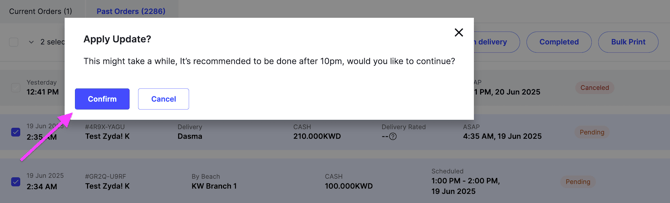
Click Confirm.
Rules
- You can move orders forward: pending, then accepted, then ready, then dispatched.
- You can move orders forward as the workflow allows, for example accepted to completed.
- You cannot move an order backward, for example completed to accepted.