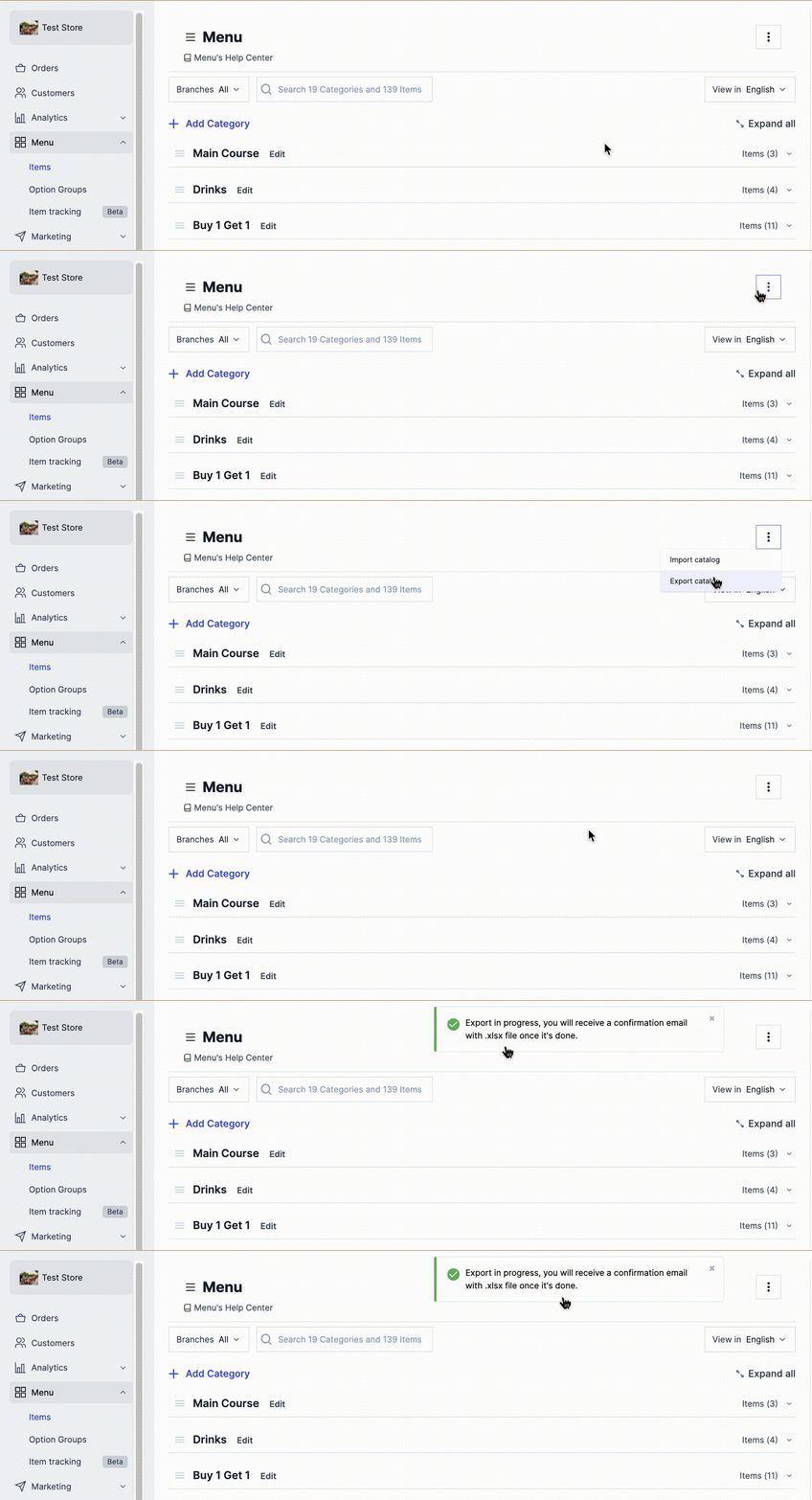
Get an Excel sheet of the categories and items already on your dashboard. Zyda emails it to you. Owners and managers can do this.
Steps
-
Go to Menu.
-
At the top right, click the options icon.
-
Click Export Catalog, the second option. The Excel sheet is sent to your registered email.