Turn Verd Dispatch on and choose how orders reach your riders. Owners, managers and operators can do this.
Steps
-
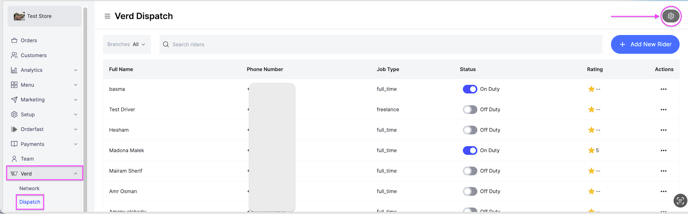
Go to the Verd tab.
-
Click the Settings icon. A side window opens on the right.
-
Turn on Enable Verd Dispatch, which lets you manage your delivery fleet.
-
Click Save at the top right.
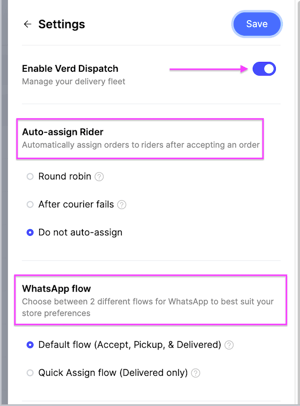
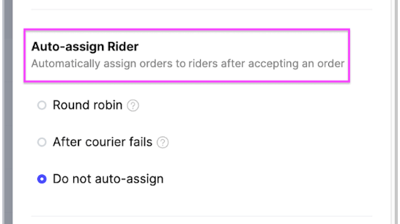
Auto-assign Rider
This controls how orders are assigned to riders after you accept them.
- Round robin — orders are assigned to your drivers in rotation.
- After courier fails — the order goes to the next driver when the selected driver declines it.
- Do not auto-assign — orders are not assigned automatically. They stay pending until you assign them yourself.
WhatsApp flow
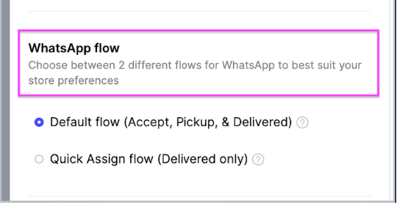
Choose one of two flows for your riders' WhatsApp messages.
- Default flow — Accept, Pickup and Delivered. This one lets you track rider analytics. Read How the driver receives the orders.
- Quick Assign flow — Delivered only. This one does not track a driver's performance, because the order is only ever marked as delivered.