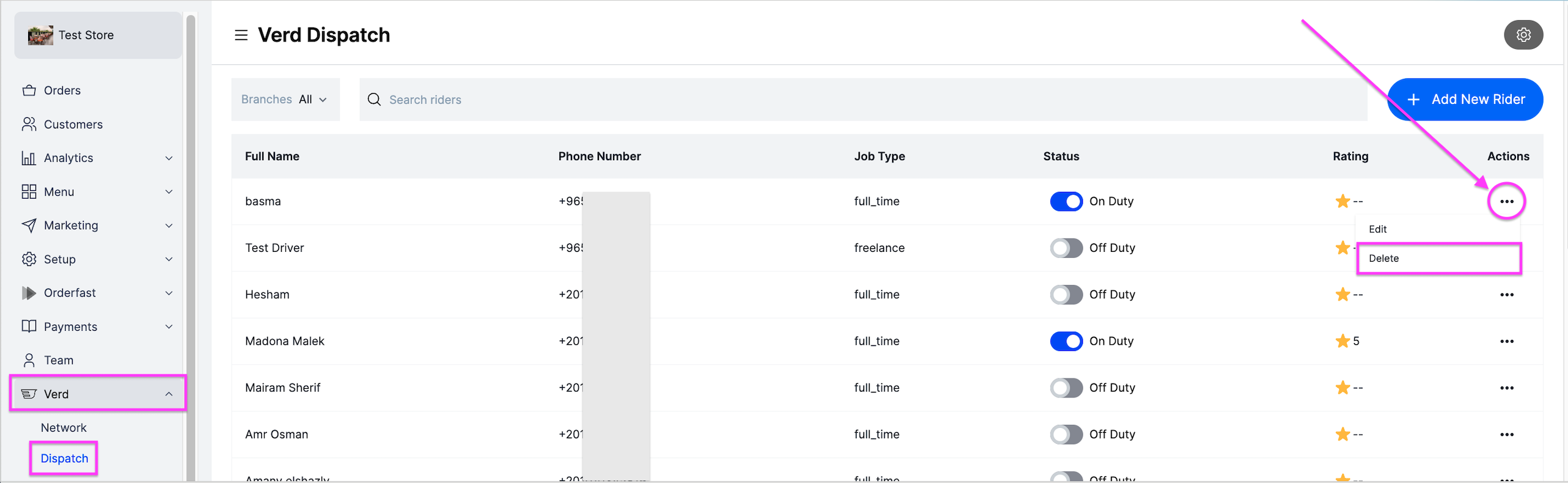
Remove a rider you have added to the dashboard. Owners and managers can do this.
Before you start
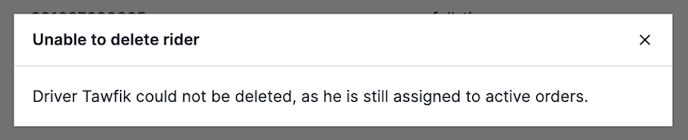
You can only delete a rider who has no active or uncompleted orders. You cannot delete a rider who has not updated the status of their assigned orders.
Steps
-
Go to Verd.
-
Next to the rider, click the options icon, then click Delete.
-
Confirm with Delete.