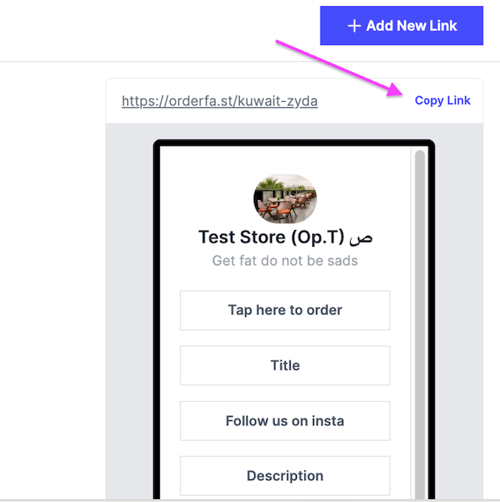
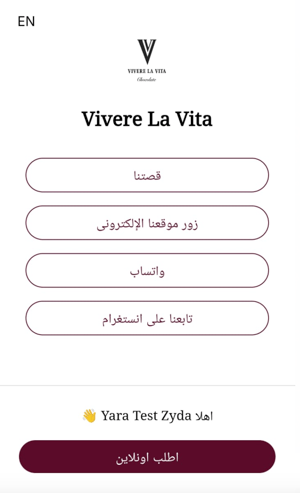
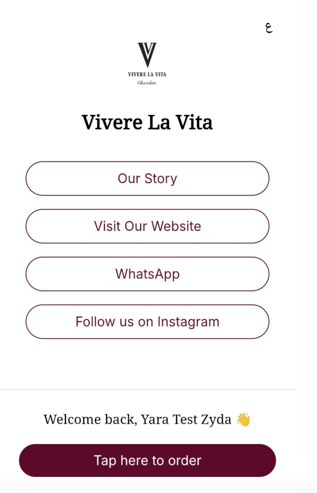
Create a landing page that holds several links. Owners and managers can do this.
Steps
-
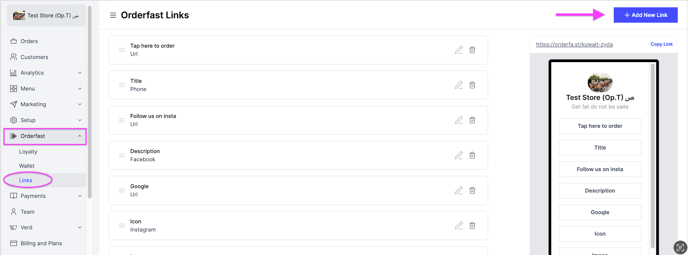
Go to the Orderfast tab.
-
Select Links.
-
Click Add New Link at the top right.
-
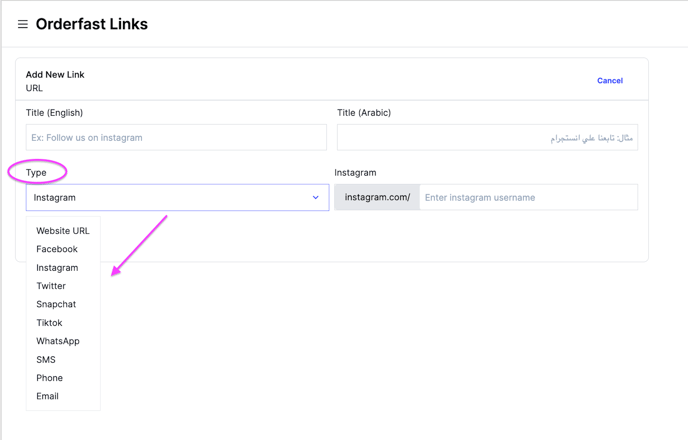
Select the link type and fill in the information.
-
Save, then click Copy Link to share it on your social media channels.