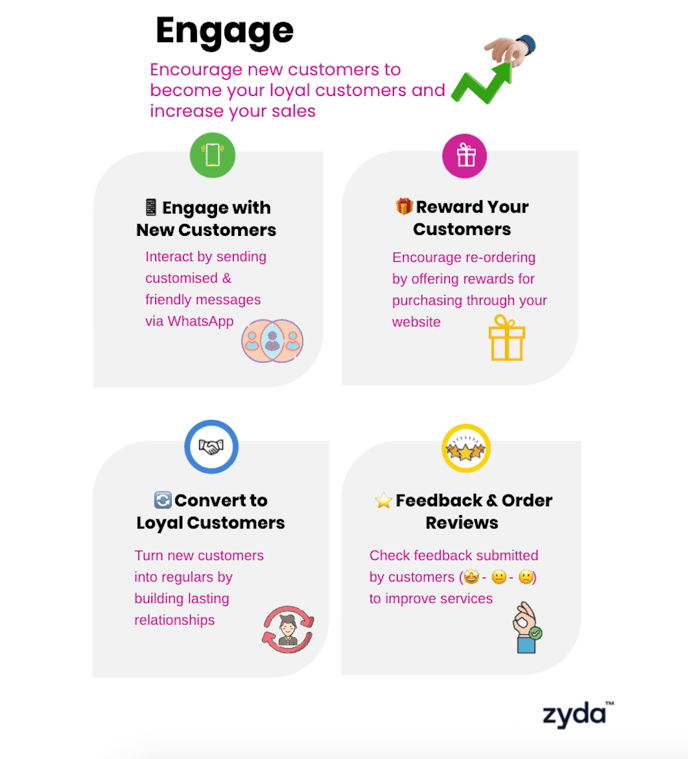
Engage sends automatic WhatsApp messages to your new customers so they order again. Owners and managers can do this.
Before you start
- Engage is only for Kuwait stores that are integrated with an online payment gateway.
- Engage is on every Zyda plan. You can activate it or disable it at any time.
- Engage only messages new customers. It does not message customers who have ordered from your website before.
- Each message costs 250 fils. The fee is taken out of the order value. It is not added on top of the order value.
- Fees apply to a new customer's first three orders. Nothing is deducted from the fourth order on.
How Engage works
- Engage sends your first message 2 hours after the customer's first order. It is only sent if you accept the order.
- If the customer does not order again within 20 days, Engage sends a second message.
- If a customer gets 2 messages and does not order again, the messages stop. This keeps them from being treated as spam.
- Engage also collects feedback on the order from your new customers.
- The message language follows the language the customer chose when they ordered on your website.
Want different timing for the three messages? Contact the support team with your request.
Steps
-
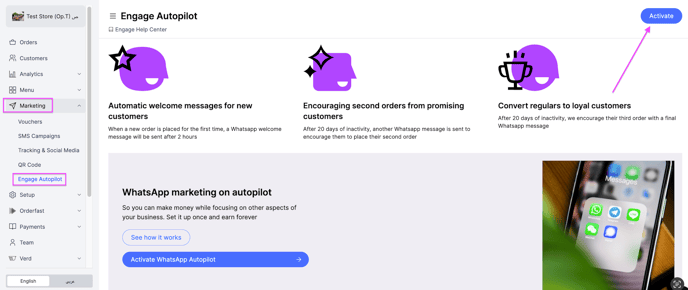
Go to Marketing, then Engage Autopilot.
-
At the top right, click Activate.
-
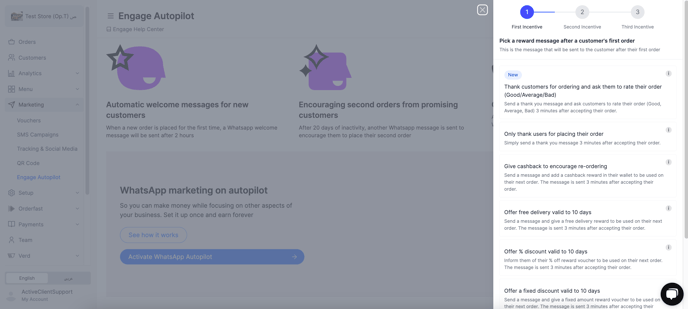
A tab opens where you choose the message or reward to send to your new customers.
-
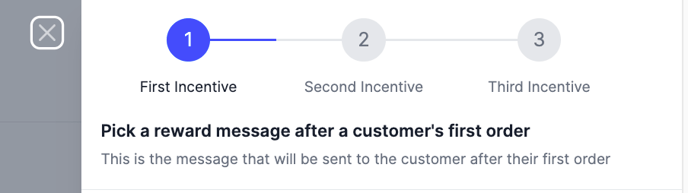
Choose the First Inactive message/reward. It is sent 2 hours after the customer's first order, and only if you accept that order.
-
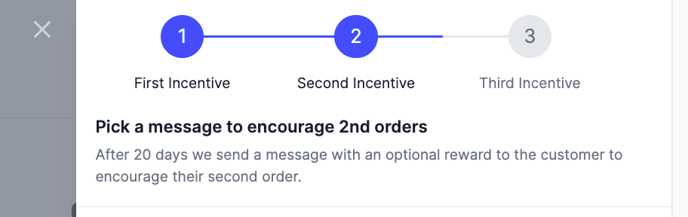
Click Next and choose the Second Inactive message/reward. It is sent 20 days after the first message if the customer has not ordered.
-
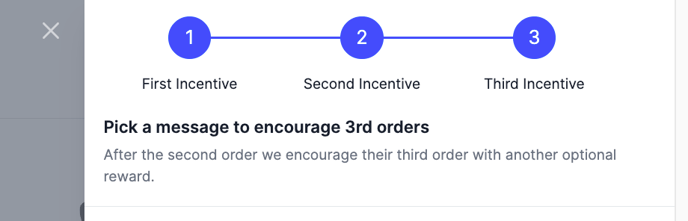
Click Next and choose the Third Inactive message/reward. It is sent 20 days later if the customer has not ordered after their second order.
The messages you can choose from
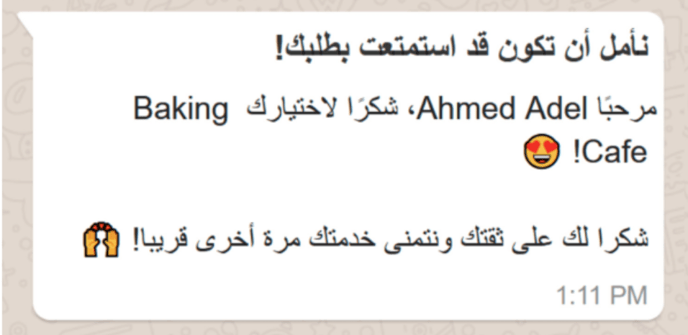
Thank customers for ordering and ask them to rate their order
Sends a thank you message and asks the customer to rate the order as Good, Average or Bad, after you accept the order. You can only choose this for the first message.
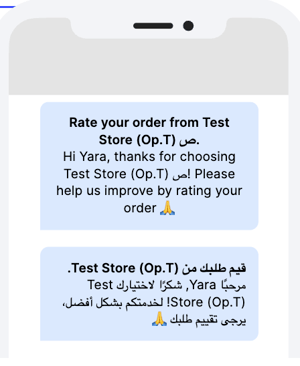
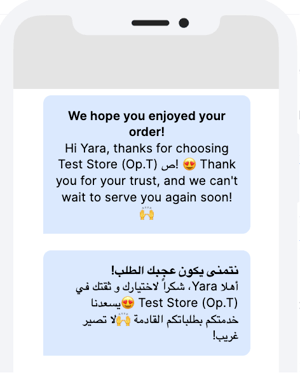
Only thank users for placing their order
Sends a thank you message that says you hope to see them soon. You can only choose this for the first message.
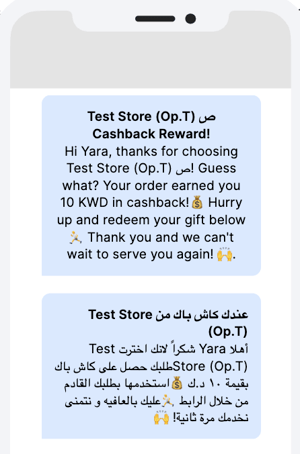
Give cashback to encourage re-ordering
Sends a message and puts a cashback reward in the customer's wallet to use on their next order. You choose the cashback percentage, calculated from the total value of their last order.
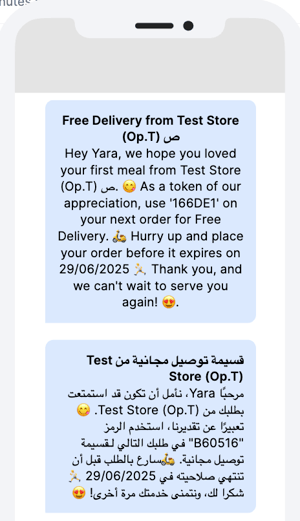
Offer free delivery valid for 10 days
Sends a message with a free delivery voucher that is valid for 10 days.
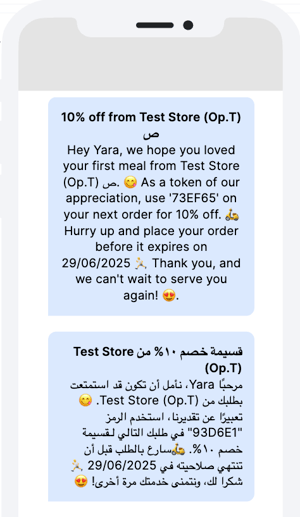
Offer a percentage discount valid for 10 days
Sends a message with a percentage discount for the customer's next order. The voucher is valid for 10 days.
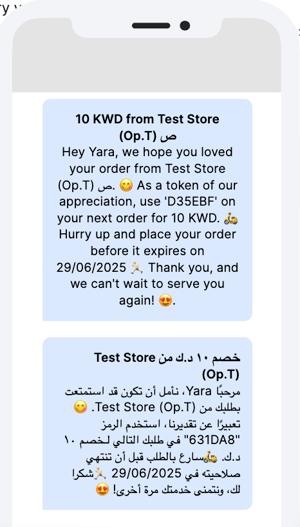
Offer a fixed discount valid for 10 days
Sends a message with a fixed value discount for the customer's next order. The voucher is valid for 10 days.
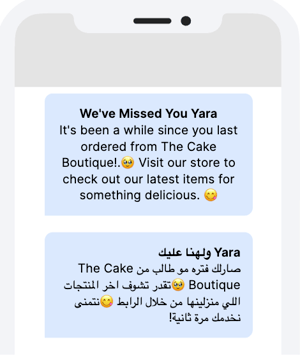
Only remind customers to order again
Sends a "We've missed you" message if the customer has not ordered within 20 days. You can only choose this for the second and third message.
What you see once Engage is running
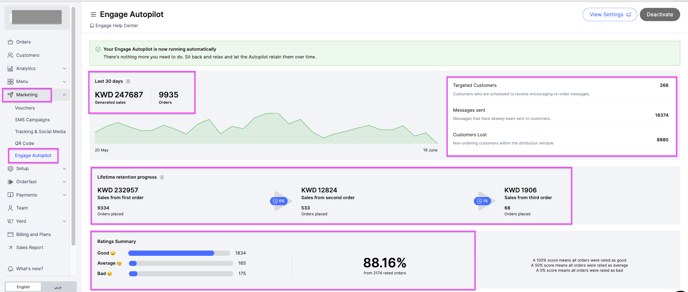
- Last 30 days Sales & Orders for Engage customers.
- Targeted Customer Number — how many customers are scheduled to receive messages.
- Number of Messages Sent — how many messages went out in total.
- Number of Customers Lost — how many customers did not order 10 days after their second or third message.
- Lifetime retention progress — sales and orders for the 1st, 2nd and 3rd order, and the conversion rate between each step.