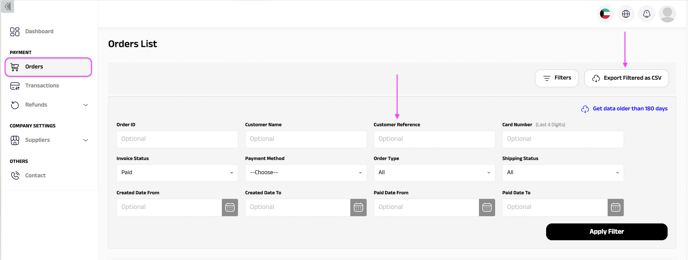
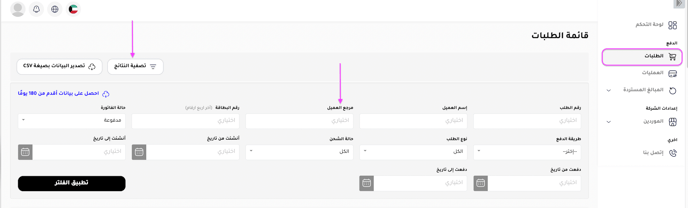
Log in to My Fatoorah to see your orders, transactions and deposits, and to export them as a sheet.
Before you start
Contact the support team to make sure your email has access to the My Fatoorah dashboard. Send them your name, email and phone number.
Steps
-
Open the dashboard for your country:
-
Once your email has access, open your email and create a password for login.
-
Log in. You can now see your orders, transactions and deposits, and download them as a sheet.
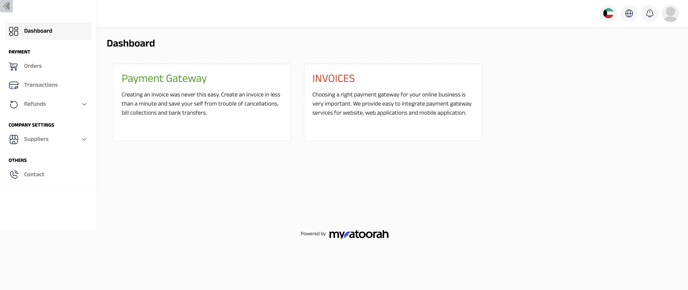
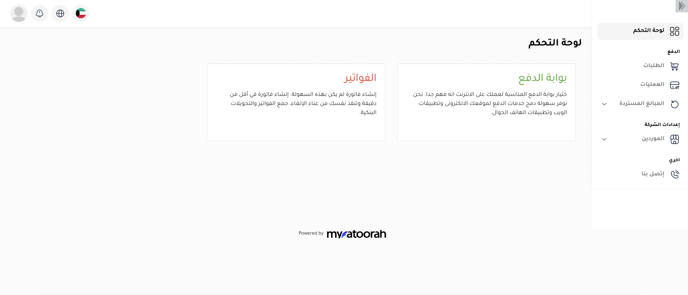
Orders
In the Orders section you can:
- Click Filters to search for orders and see their details and their deductions.
- Click Export Filtered as CSV to download an Excel sheet.
- Search for one order by typing its Zyda order number in the Customer Reference field.