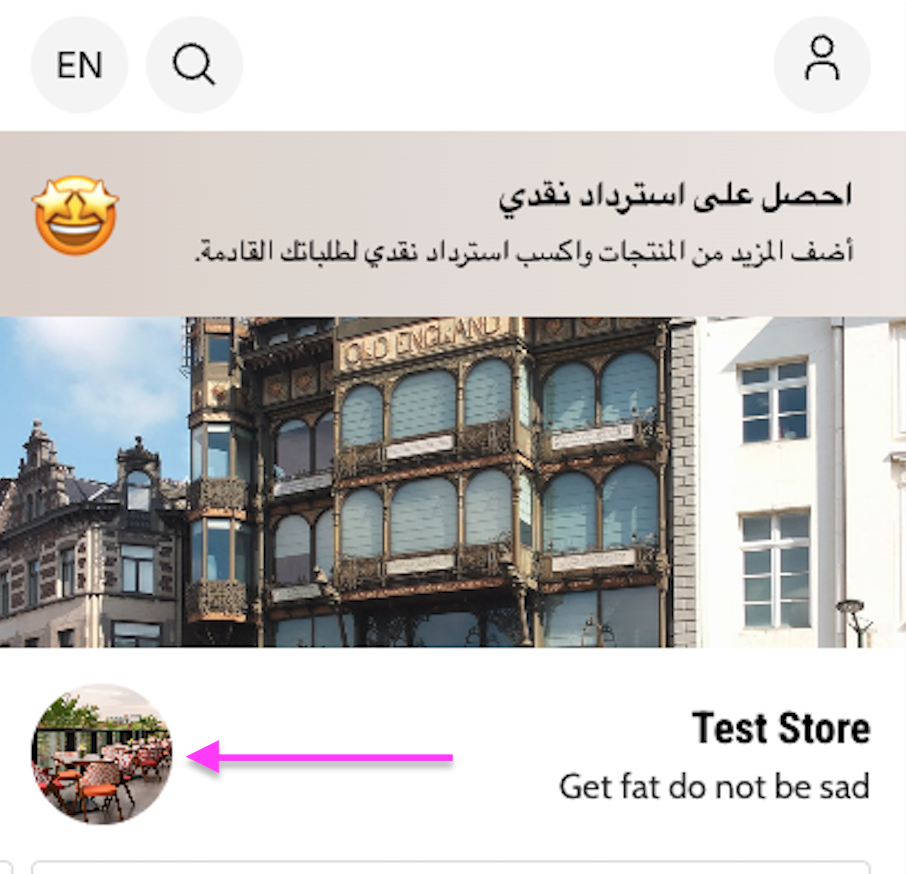
Add your logo, or replace the one your store already uses. Owners and managers can do this.
Before you start
- The image must be 800 by 800 pixels.
- The file must be under 5 MB.
Steps
-
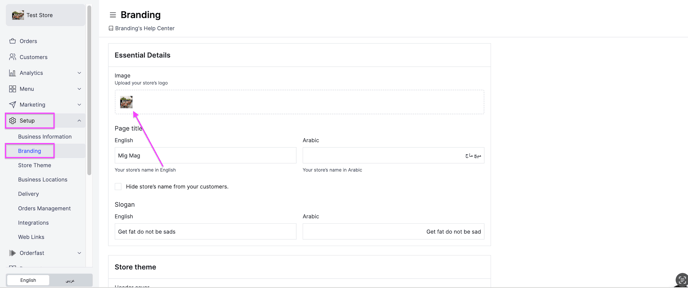
Go to Setup.
-
Open Branding.
-
Under Image, pick your logo file.
-
Click Save Changes.
Your logo now appears on your storefront and on your receipts.