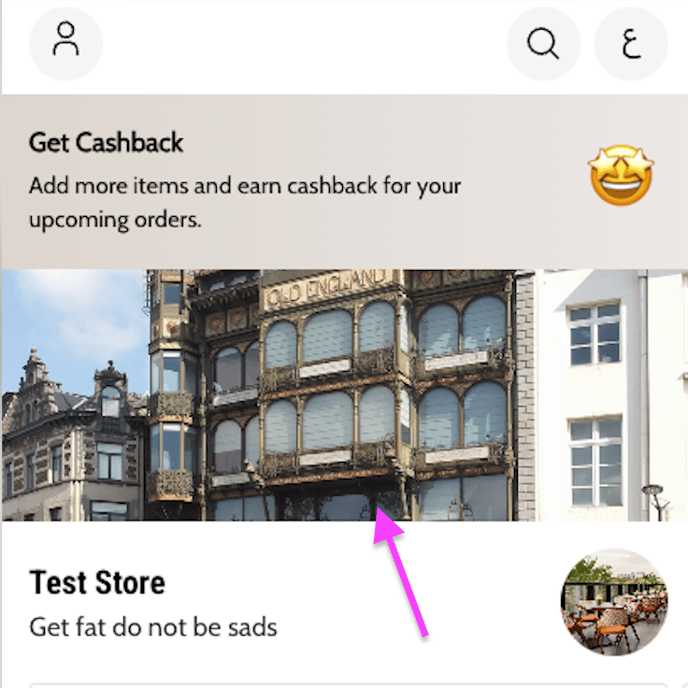
Upload or change the cover or background image on your website. Owners and managers can do this.
Before you start
- The header photo for mobile view must be 1200 pixels wide by 520 pixels high.
- The file must not be over 5 MB.
Steps
- Go to Setup.
- Choose Branding.
- Under Store theme, select the Header cover image from your device.
- Click Save Changes.